Document info
Who made it, and with what
Author, the app that created the file, the PDF producer (often with your OS version) and the creation and modification dates. Removed by default here.
PDF metadata remover · free · in your browser
See the author, apps, dates and hidden history stored in your PDF, then strip them. Pages untouched. Nothing uploaded.
Drop PDF files
or paste with ⌘V · up to 20 PDFs at once
Processed in your browser. Files never leave your device.
01
Word processors, design apps, scanners and AI tools all leave details behind. This is what we look for — and what happens to each part on this page.
Document info
Author, the app that created the file, the PDF producer (often with your OS version) and the creation and modification dates. Removed by default here.
XMP
Most PDFs repeat the same details in an XMP block, with document IDs and edit history. We rebuild it with only what you keep.
Incremental saves
Some apps add each save to the end of the file instead of rewriting it, so old text and old metadata can stay inside. We write one clean version.
C2PA · photos · app data
Content Credentials from AI and design tools, GPS in embedded photos, and private editing data from apps like Illustrator.
02
Cleaning rewrites the file, so an existing digital signature will no longer validate. If the signature matters, clean the document before it is signed — or send the signed original.
Encrypted PDFs can’t be cleaned here. Remove the password in your PDF app, clean the file, then protect it again if you need to.
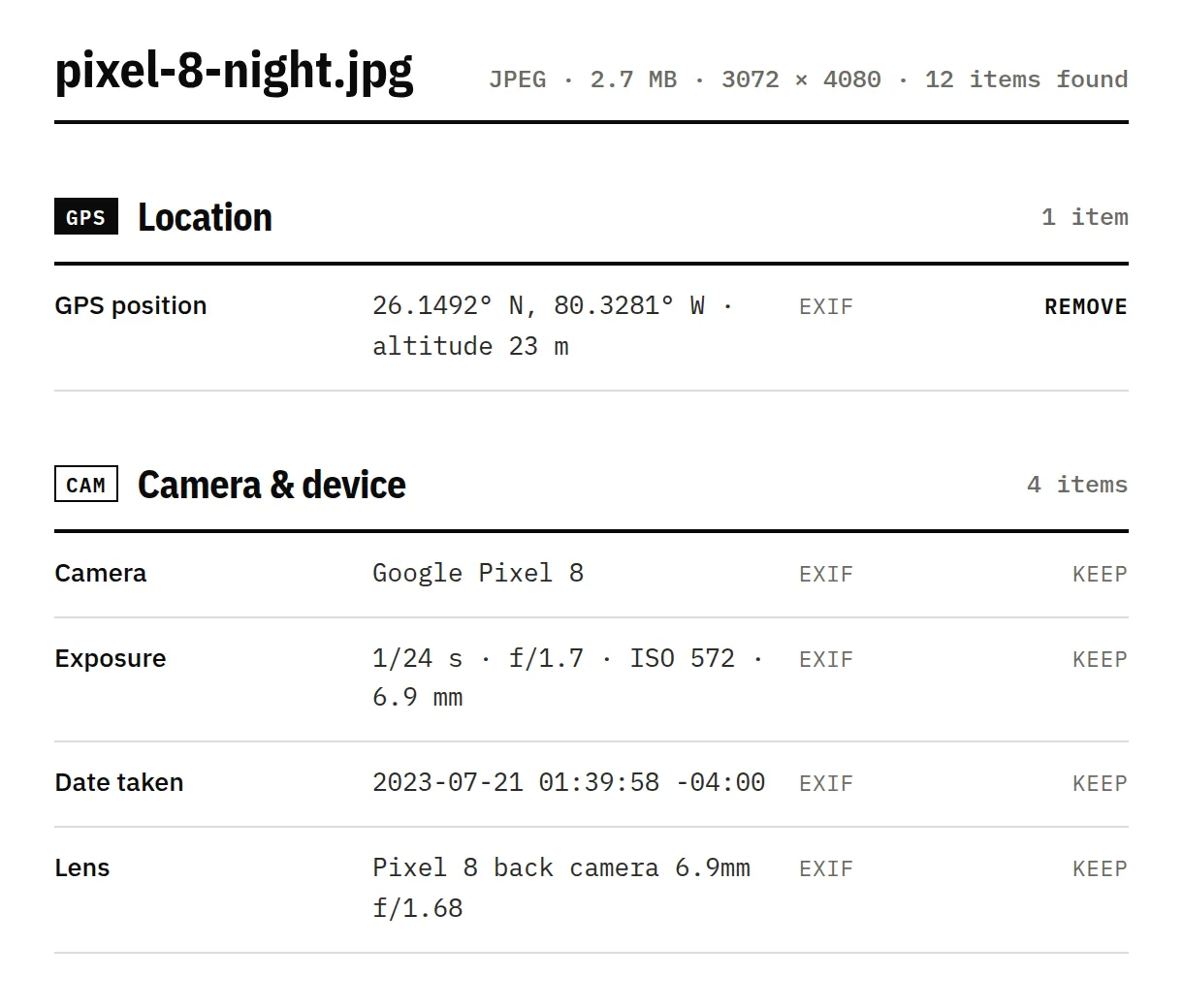
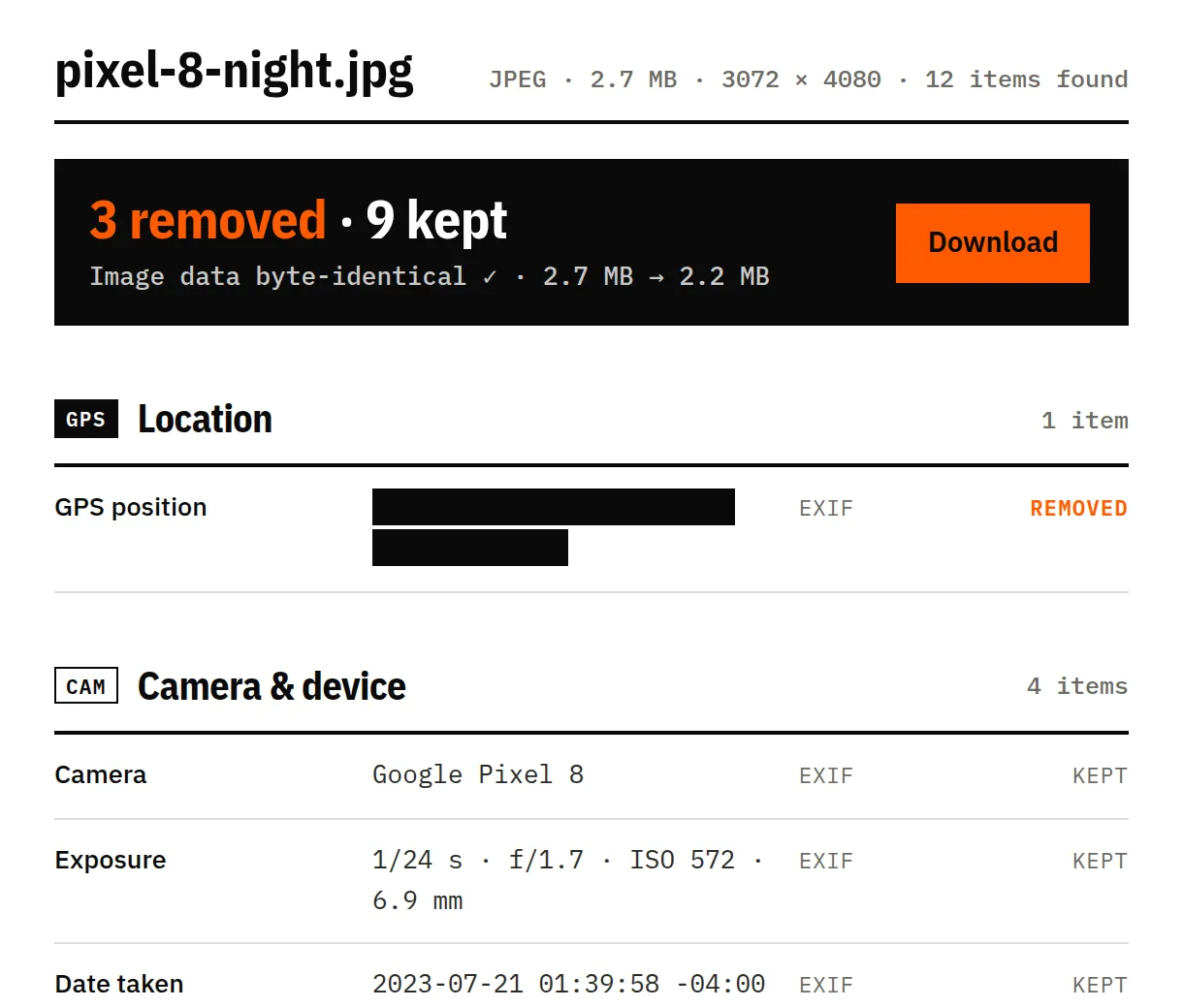
Pages, text, fonts, images, links, form fields and attachments stay as they are. Photos placed in the pages lose their GPS and camera data, but not a single pixel. We compare every page with the original before you download.
03
One PDF or twenty, up to 100 MB each. Nothing is uploaded.
See every field, which ones are AI-related, and why a platform might label the file.
We re-check the result and confirm every page is still there and readable.
04
A spreadsheet exported with Acrobat PDFMaker. The author, company, apps and dates are stored twice — in the document info and again in XMP — next to two objects nothing uses any more.
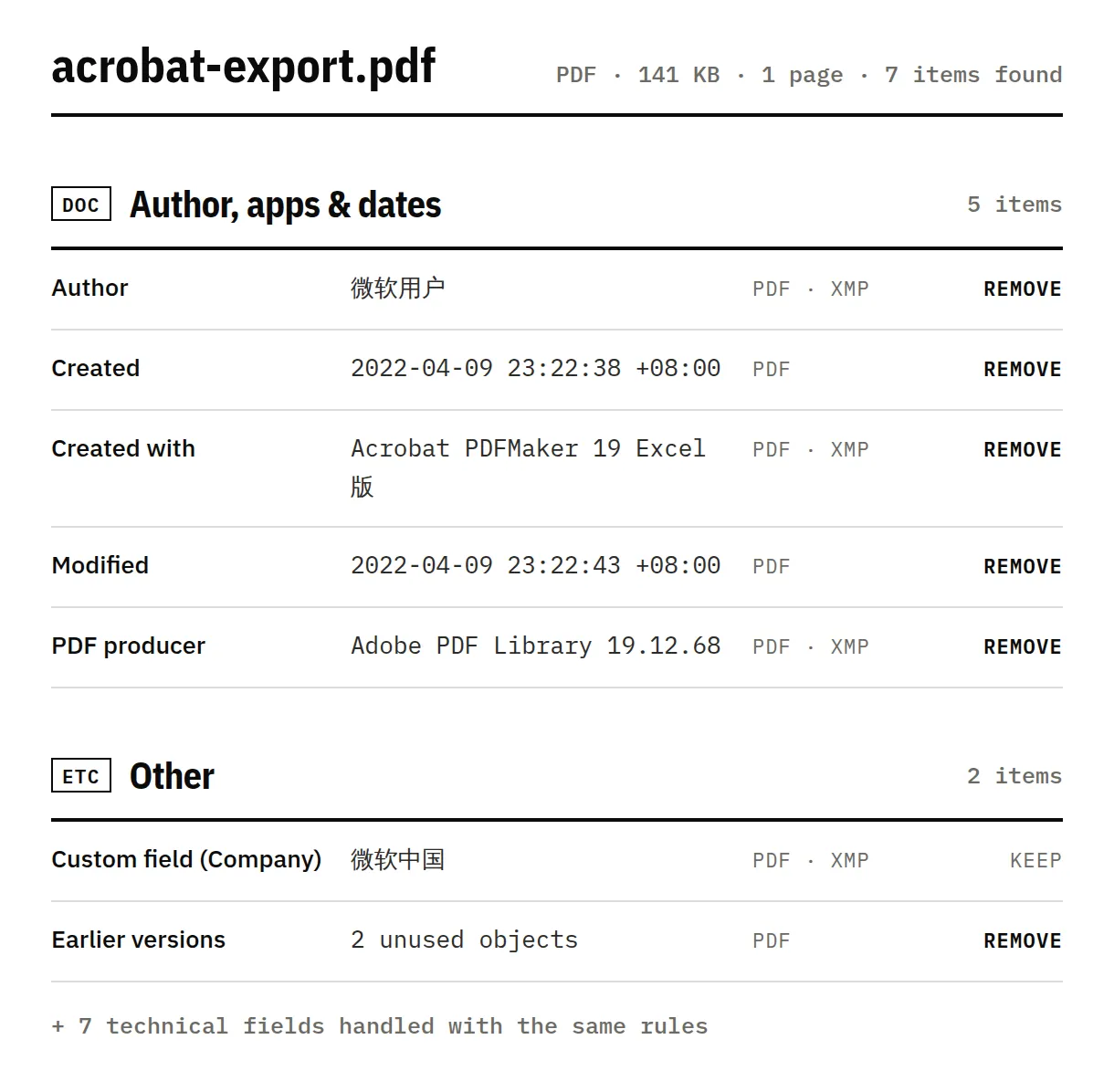
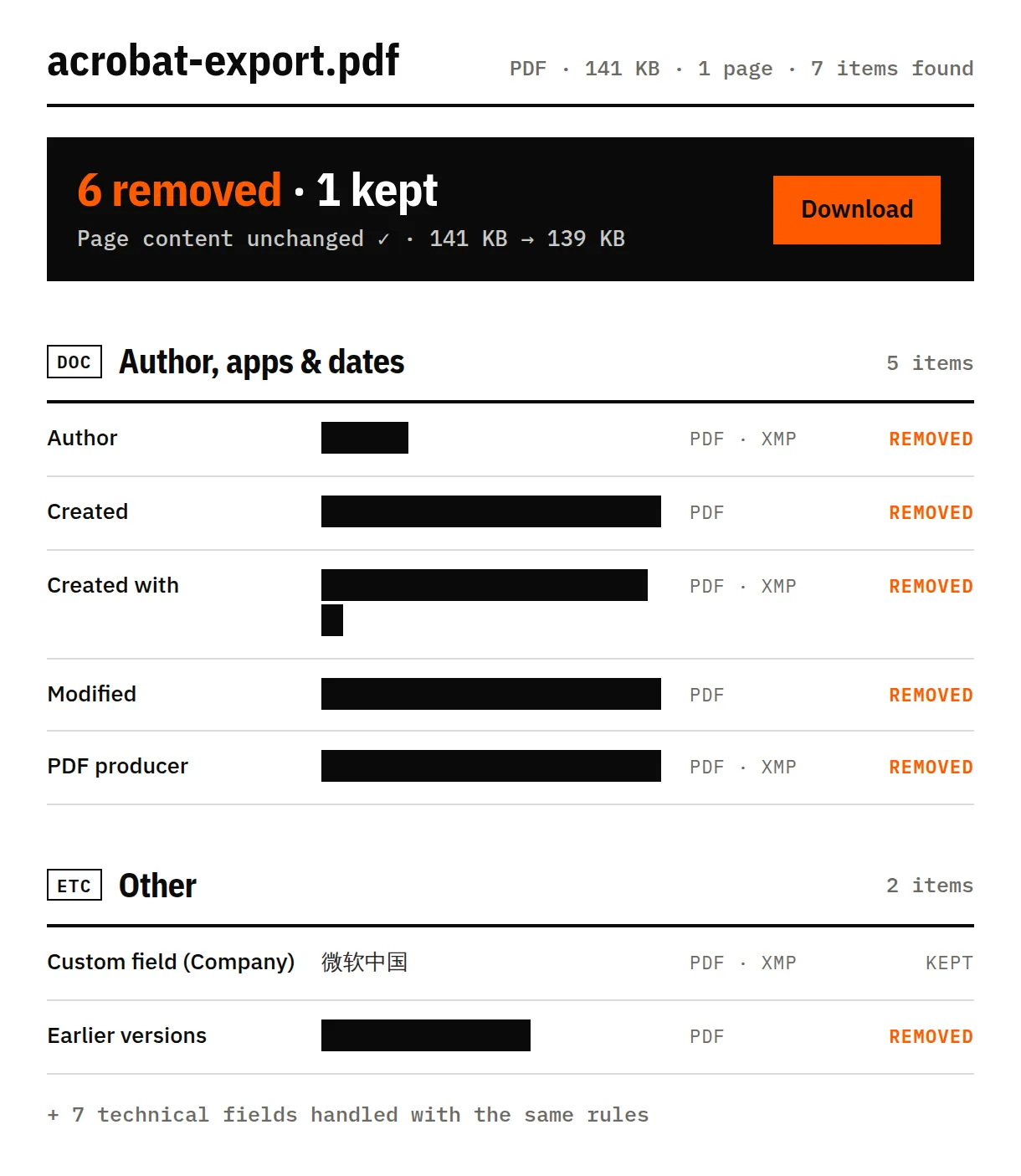
Sample: issue-914-xmp-data.pdf from the pypdf test files (BSD-3-Clause). Screenshots of this tool, unretouched; the Company field goes with “Remove everything”.
We clean what's written in the file. Some signals live somewhere else — and we'd rather tell you than oversell.
They're part of the picture. Removing them means editing pixels, which we never do.
Some AI tools hide a signal inside the pixels themselves. It survives metadata removal.
Anything typed into the pages — a name in the footer, a signature image, tracked comments — is content, not metadata. We don’t change it.
Instagram, TikTok and YouTube can also use their own models, so a clean file isn't a guarantee.
The document info (title, author, the app that created it, the PDF producer, creation and modification dates), an XMP block that usually repeats them with document IDs and edit history, and sometimes Content Credentials (C2PA), private editing data from apps like Illustrator, and the EXIF of photos placed in the pages.
Yes. Some apps save changes by adding them to the end of the file, so older text and older metadata can stay inside. We write one new version that contains only what the current document uses.
No. Any change to a signed PDF breaks the signature, and cleaning rewrites the file. We warn you before cleaning a signed PDF — if the signature matters, keep and send the signed original.
No. The PDF is opened and rewritten inside your browser, and nothing is sent to a server. You can check it in your browser’s network panel while you clean a file.
Last reviewed 17 November 2026, with real files from phones, cameras and AI tools · How we test