QuickTime keys · ©xyz
Where it was filmed
iPhones save the recording location in the movie header; Android phones write it to a ©xyz tag. Removed by default.
Video metadata remover · free · in your browser
See the location, device details and AI credentials stored in your video, then strip them. No re-encoding. Nothing uploaded.
Drop MP4 or MOV videos
or paste with ⌘V · up to 5 videos at once
Processed in your browser. Files never leave your device.
01
Phones, cameras, editors and AI video tools all write into the file’s container. This is what we look for — and what happens to each part by default.
QuickTime keys · ©xyz
iPhones save the recording location in the movie header; Android phones write it to a ©xyz tag. Removed by default.
QuickTime keys · udta
Make, model, lens and the iOS or Android version. Kept by default — tick “Camera & device” to remove them too.
mvhd · tkhd · mdhd
The movie and every track carry creation and modification times. With “Camera & device details, dates” on, we set them to zero.
C2PA · XMP
AI video tools and editors can attach Content Credentials and XMP with the generator, edit history and source file names. Removed by default.
02
An MP4 or MOV file is a set of boxes. The picture and sound sit in one large box; the metadata sits in small boxes around it. We remove or rewrite the small boxes and copy the media box exactly as it was.
The movie header records where each chunk of video and audio starts. When a metadata box in front of the media shrinks, we update those positions. Every frame stays byte-for-byte the same.
We read the clean copy again, confirm the removed fields are gone, check that the frames are still where the index says they are, and let your browser open the video. Large files are fine: the video is read in pieces, so a 4 GB file doesn’t need 4 GB of memory.
03
MP4 or MOV, up to 4 GB each and 5 at a time. Nothing is uploaded.
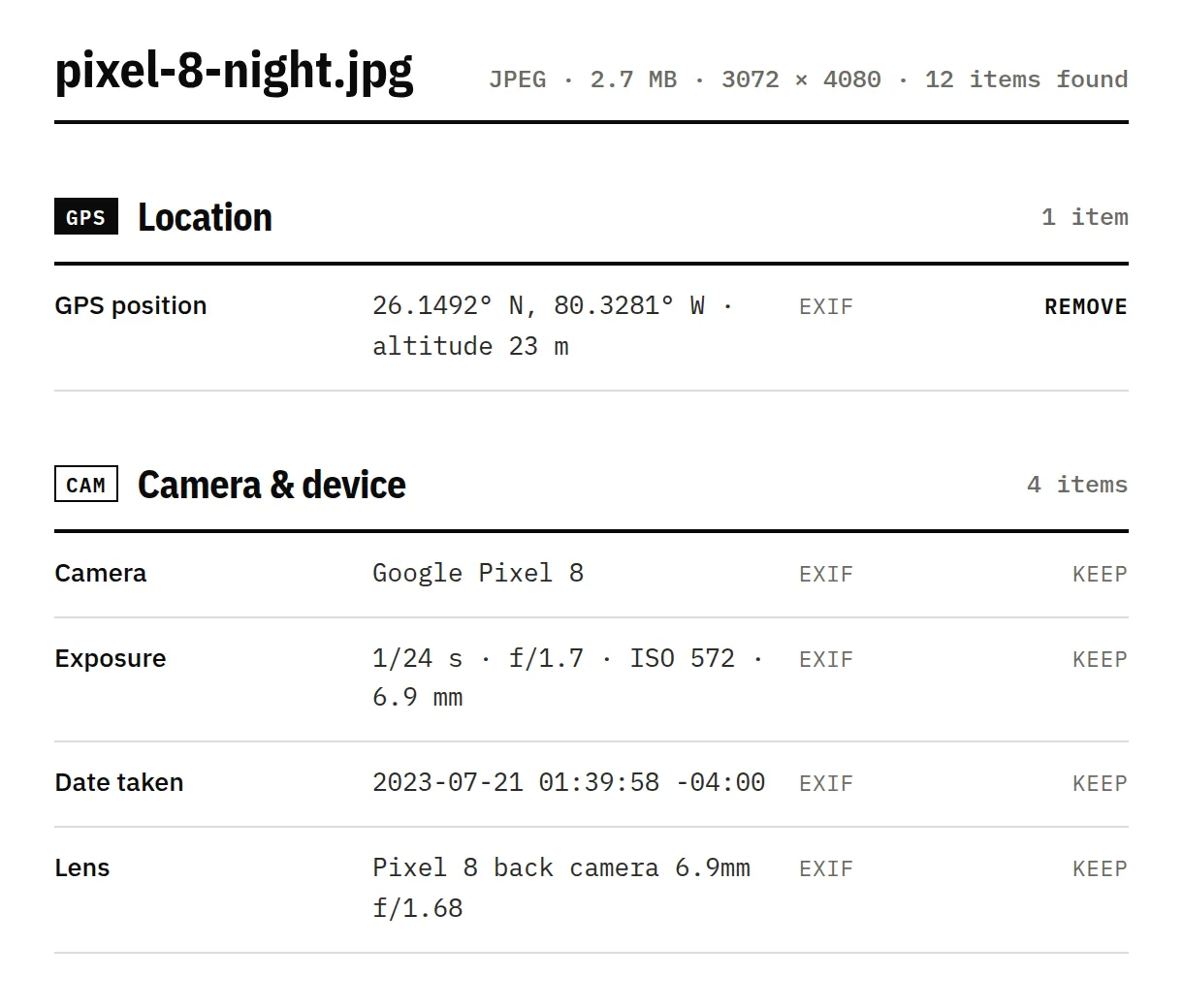
See every field, which ones are AI-related, and why a platform might label the file.
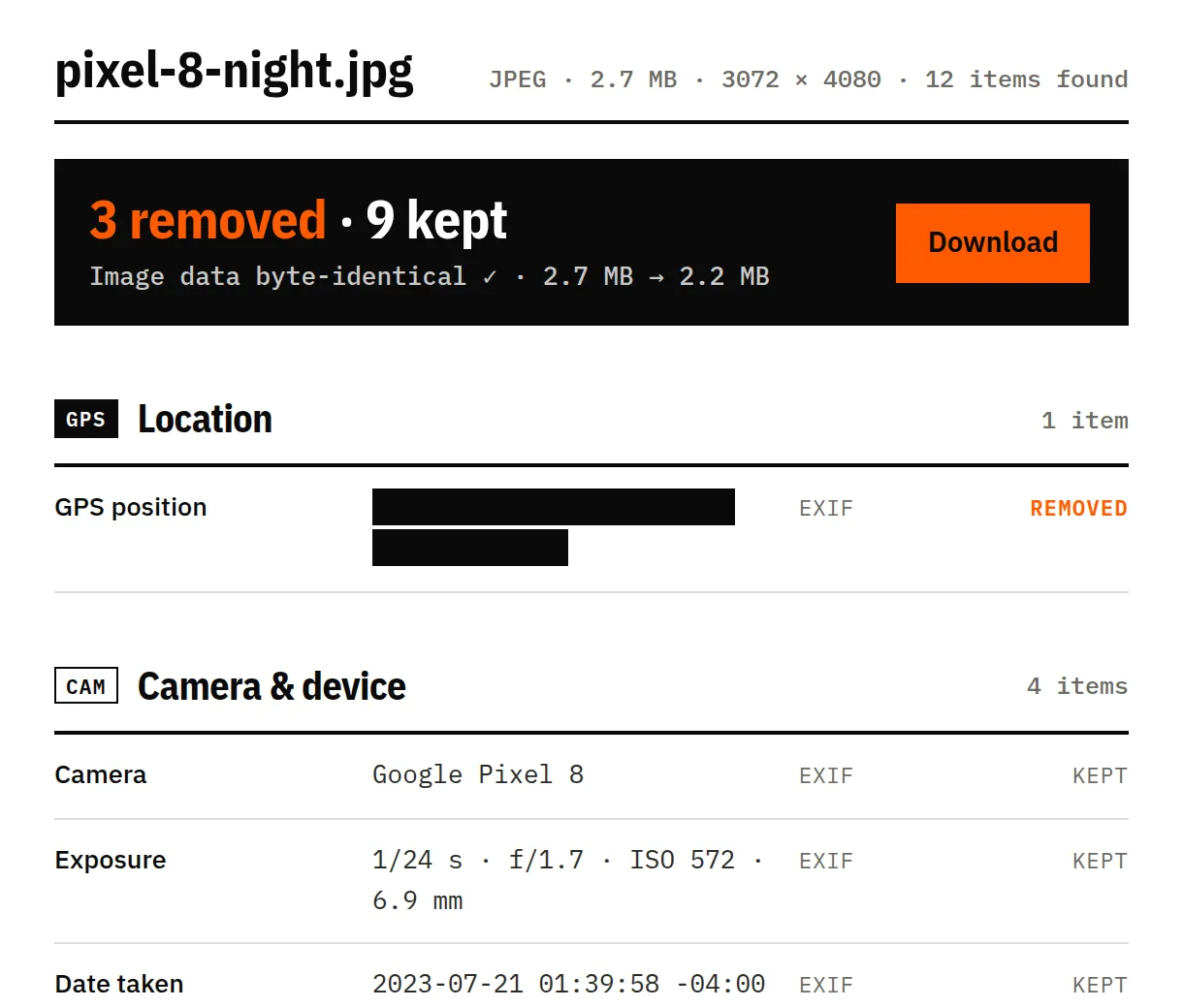
We re-check the result and confirm the video and audio data is byte-identical.
04
A clip recorded on an iPhone X. Its movie header holds the GPS position, the make and model, the iOS version and the recording dates.
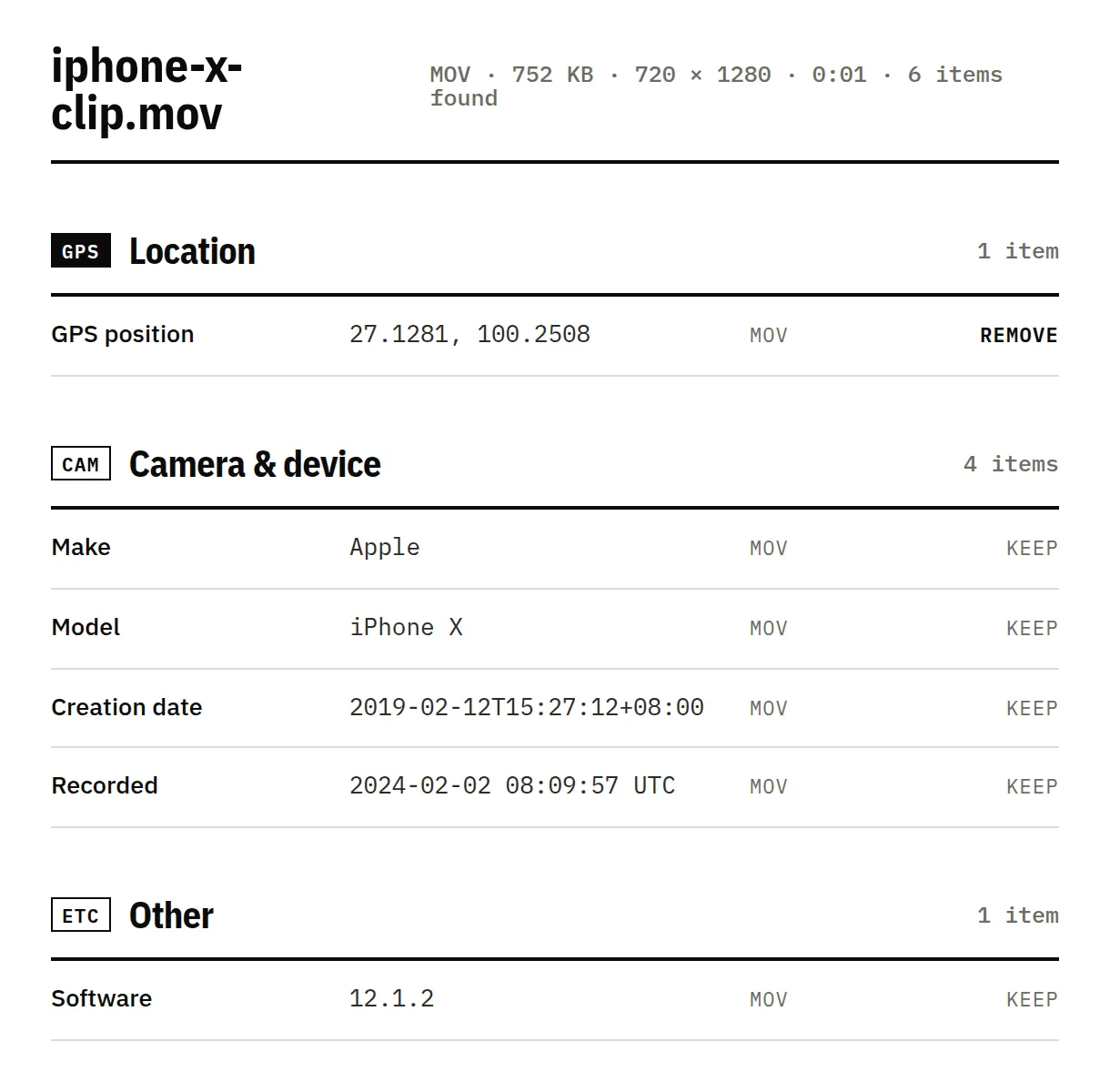
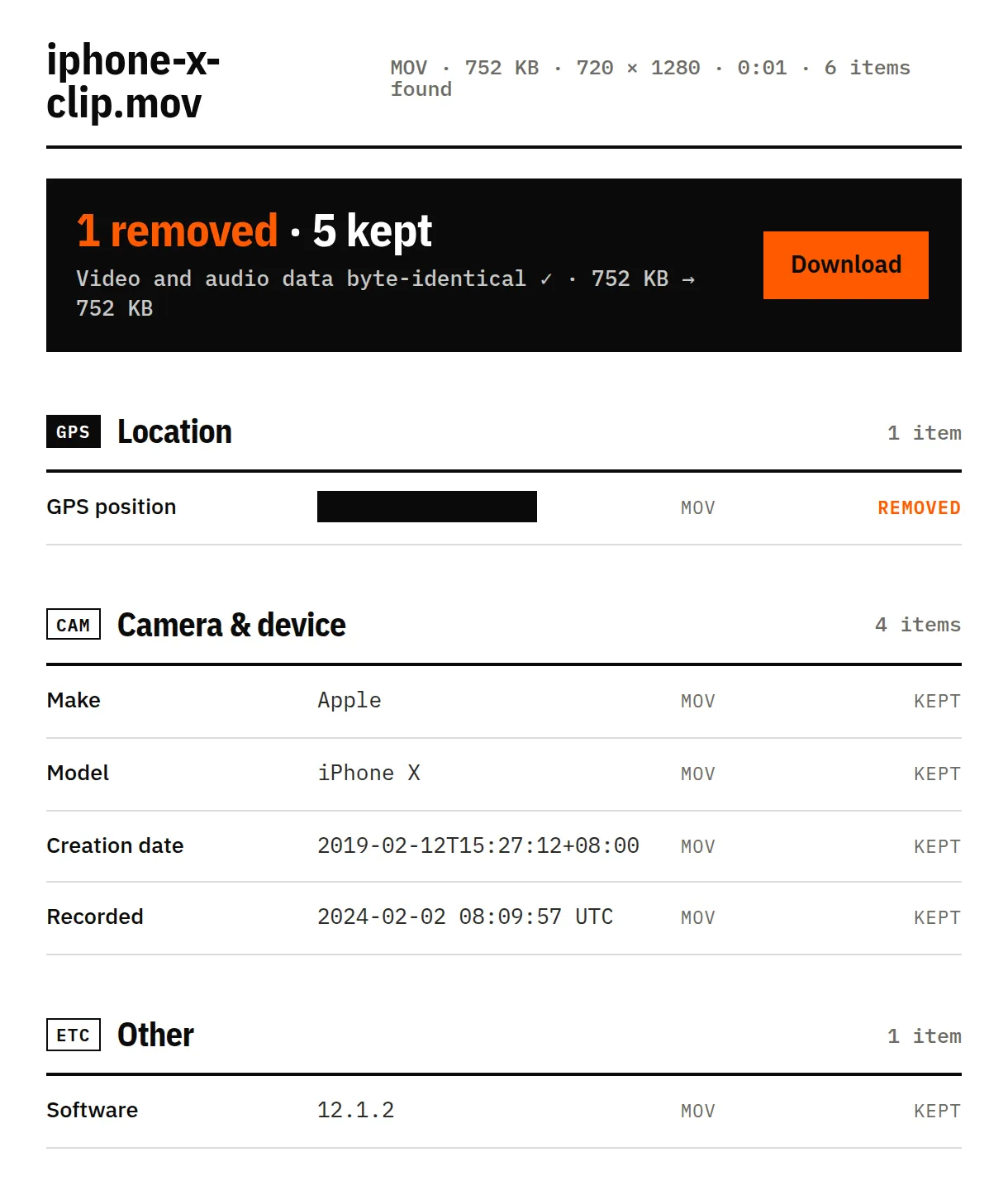
Sample: meta.mov from the nom-exif test data (MIT). Screenshots of this tool, unretouched. Tick “Camera & device details, dates” to remove the rest too.
We clean what's written in the file. Some signals live somewhere else — and we'd rather tell you than oversell.
They're part of the picture. Removing them means editing pixels, which we never do.
Some AI tools hide a signal inside the pixels themselves. It survives metadata removal.
GoPro and some 360° cameras record GPS as a separate data track inside the video. We show it in the report, but we can’t remove it yet.
Instagram, TikTok and YouTube can also use their own models, so a clean file isn't a guarantee.
If a video is AI-generated, Instagram, TikTok and YouTube ask you to label it. Cleaning metadata doesn't change that.
Yes, when Location Services is on for the Camera app. The iPhone writes the coordinates into the video file itself, next to the make, model and iOS version, so anyone who gets the original file can read them. Drop the video above to see exactly what yours contains.
No. We only remove or rewrite the small metadata boxes around the media. The video and audio data are copied as they are, so quality and length don’t change — the file just gets a little smaller.
Yes. The cleaner runs in mobile Safari and Chrome. The video is read in pieces rather than all at once, so large files work too, though very long 4K clips take longer on older phones.
MP4 and MOV, including iPhone .MOV and most .M4V files, up to 4 GB each and 5 at a time. Fragmented MP4 from some screen recorders, WebM and MKV aren’t supported yet — you’ll see a clear message if you add one.
Last reviewed 17 November 2026, with real files from phones, cameras and AI tools · How we test